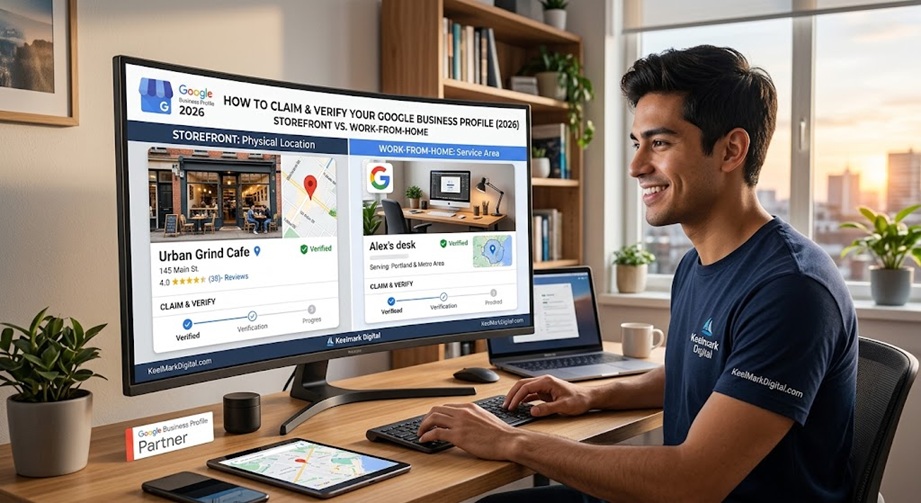
If you run a small business in 2026, your Google Business Profile is often the very first thing a potential customer sees – before your website, before your social pages. It is free, it feeds Google Search and Google Maps, and a complete, verified profile is one of the highest-return hours you can spend on your online presence. This guide walks you through claiming and verifying your profile step by step, whether you run a storefront or work from home.
What a Google Business Profile Is (and Why It Matters)
A Google Business Profile (formerly Google My Business) is the free listing that shows your business on Google Search and Maps: your name, hours, phone, website, photos, reviews, and directions. When someone searches your business by name, or searches for what you do nearby, this profile is what appears. No website replaces it, and no amount of social media makes up for not having it. Even if you are still deciding whether you need a website, claiming your profile should come first.
Before You Start: What You Need
- A Google account you will keep long term, ideally a business email.
- Your exact business name, as you use it publicly.
- Your address (storefront) or the areas you serve (home-based).
- A phone number and, if you have one, your website URL.
- Your primary business category in mind.
How to Claim Your Google Business Profile
- Sign in to the Google account you want to own the profile.
- On Google Search or Maps, search your business name. If a listing already exists, open it and look for Claim this business or Own this business?
- If no listing exists, go to google.com/business and choose Add your business to Google.
- Enter your business name and category, then choose whether you serve customers at an address, at their locations, or both.
- Add your phone number and website, then continue to verification.
Storefront vs. Home-Based: The Address Question
This is where most new owners get stuck. If customers visit you at a fixed location, you are a storefront: enter your street address and it shows on Maps. If you work from home or travel to customers – a contractor, consultant, mobile service, or an agency like ours – you are a service-area business. Do not publish your home address. Instead, hide the address and set the cities or regions you serve. Google lets you list a service area with no visible pin, which keeps your home private while still letting you rank for local searches.
How Verification Works in 2026 (and Why You Cannot Pick the Method)
Verification proves the business is really yours. One thing to know first: you usually cannot choose your method. Google assigns it based on your business category, how much spam risk that industry carries, and how much it already trusts your account. Here are the methods you may be offered, fastest to slowest.
1. Instant (automated) verification
If you already own and have verified your website in Google Search Console under the same Google account, Google often trusts the business and verifies your profile instantly with one click. This is common for digital agencies and established web properties, and it is why some businesses breeze through in seconds.
2. Video recording (the default for most new listings)
Video verification has largely replaced the postcard as Google’s standard anti-spam method. It must be a single continuous take (unedited, no cuts), at least 30 seconds, filmed on a phone or tablet through the Google Business Profile app while signed in.
Storefronts show: surrounding street signs, your building number and neighboring stores; permanent exterior signage or window decals that match your business name; and proof of access such as unlocking doors, entering employee-only areas, or using the register or point-of-sale.
Service-area and home-based businesses show: nearby street signs or house numbers that confirm your area; tools of the trade such as a branded vehicle, equipment, workspace, or branded invoices and cards; and proof of operations such as a business license, registration documents, a utility bill, or logging in to your business software. Keep your home address off screen if you are hiding it.
3. Phone or text code
Google sends an automated call or text with a six-digit code to your official business number. Use a direct line if you can; automated phone trees (IVR) often fail to capture the code.
4. Work domain email
Google emails a PIN to an address on your business domain (for example, info@yourdomain.com). This is usually reserved for businesses with an established footprint and a custom-domain email; generic gmail.com addresses rarely qualify.
5. Live video call
For rejected recordings or higher-risk categories such as locksmiths, plumbers, and garage-door services, Google may schedule a live Google Meet where a specialist asks you to walk the premises, show ID, demonstrate point-of-sale or inventory access, and show registration paperwork.
6. Postcard (legacy)
Google mails a postcard with a five-digit PIN to your address in about five to fourteen business days. It still exists, but Google has phased it down in favor of real-time video to cut delays and fraud.
Google usually reviews video verifications within about five business days. Whatever method you are assigned, keep your business name, address, and phone identical across your website and every directory so nothing looks mismatched.
After You Are Verified: Make the Profile Actually Rank
Verification gets you listed. Showing up ahead of competitors takes a complete, active profile. Set your primary category carefully – it is the single biggest ranking lever – then fill in everything: hours, an honest description, services, and real photos. Ask happy customers for reviews and reply to them. One thing that surprises owners: Google Business posts are good for engagement but are not a meaningful ranking factor, so completeness, categories, and reviews matter far more than how often you post.
Why New Listings Fail Verification or Get Suspended
- The business name on your sign or website does not match the name on the profile.
- Poor or edited video, or missing required shots.
- A home address left visible on a service-area business.
- Extra keywords stuffed into the business name.
- Inconsistent name, address, or phone across your website and directories.
Do Not Forget Bing
Google is the priority, but Bing Places for Business is a free listing most small businesses skip, and it feeds Bing, Windows search, and some AI assistants. We will cover it in a follow-up guide.
Frequently Asked Questions
Is a Google Business Profile free?
Yes. Claiming, verifying, and managing your profile is completely free.
Can I have a profile without showing my home address?
Yes. Set up as a service-area business, hide the address, and list the areas you serve.
How long does verification take?
Video and most other methods are usually reviewed within about five business days; postcards take longer.
Do I still need a website if I have a Google Business Profile?
They do different jobs. Your profile helps people find you; your website is where you win the sale. See our take on whether you need a website and what one costs in San Diego.
Want this done right the first time? Keelmark Digital helps San Diego small businesses claim, verify, and optimize their Google Business Profile, then build the website and SEO foundation behind it (we are partial to a well-configured SEO plugin). Once Google is claimed, do the same on Bing with our guide to claiming your Bing Places for Business listing. Reach us at contact@keelmarkdigital.com or (619) 436-4091 to get found on Google.

Leave a Reply